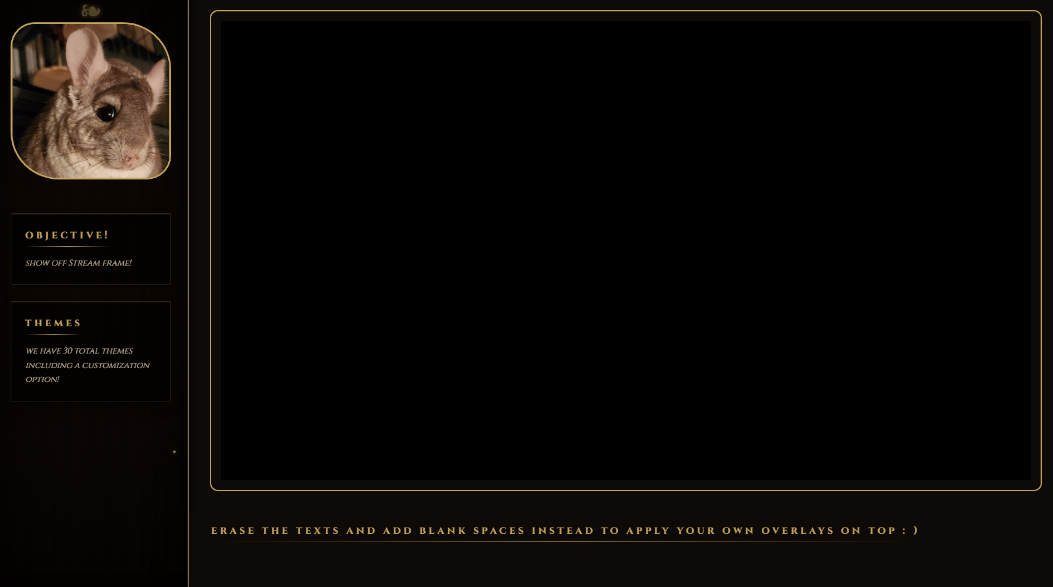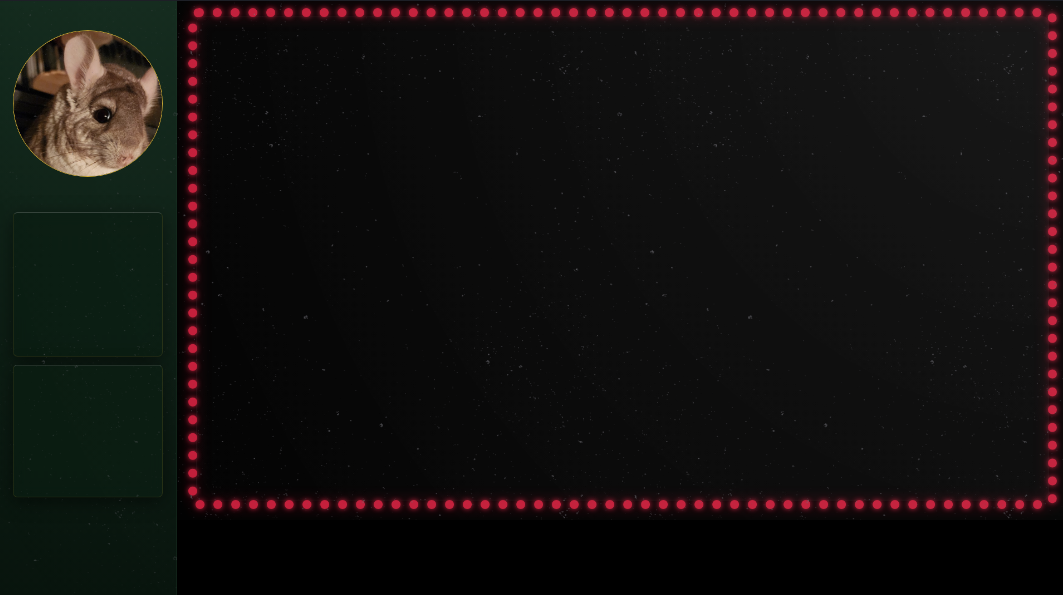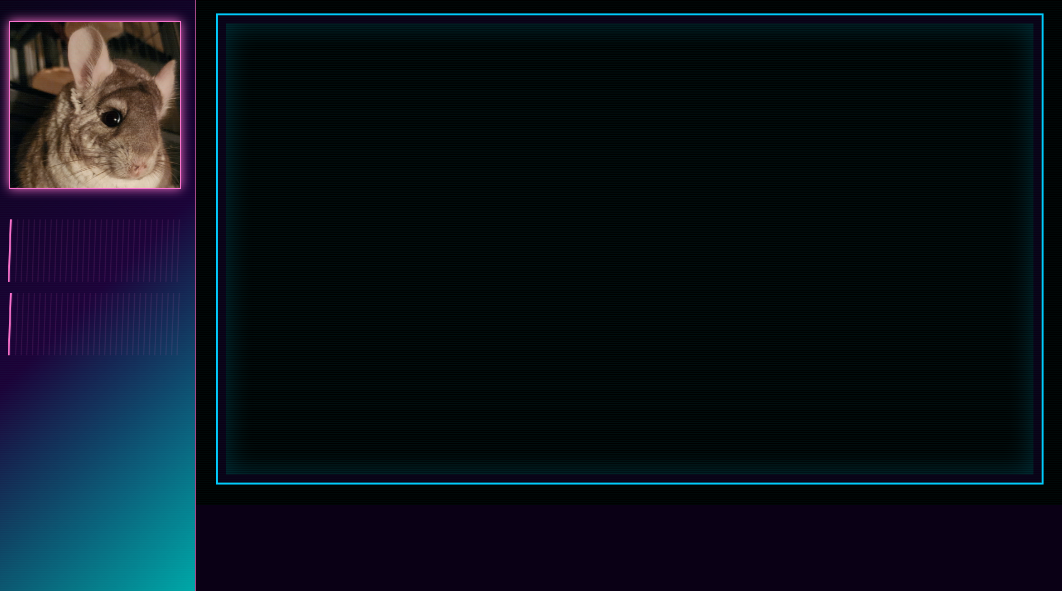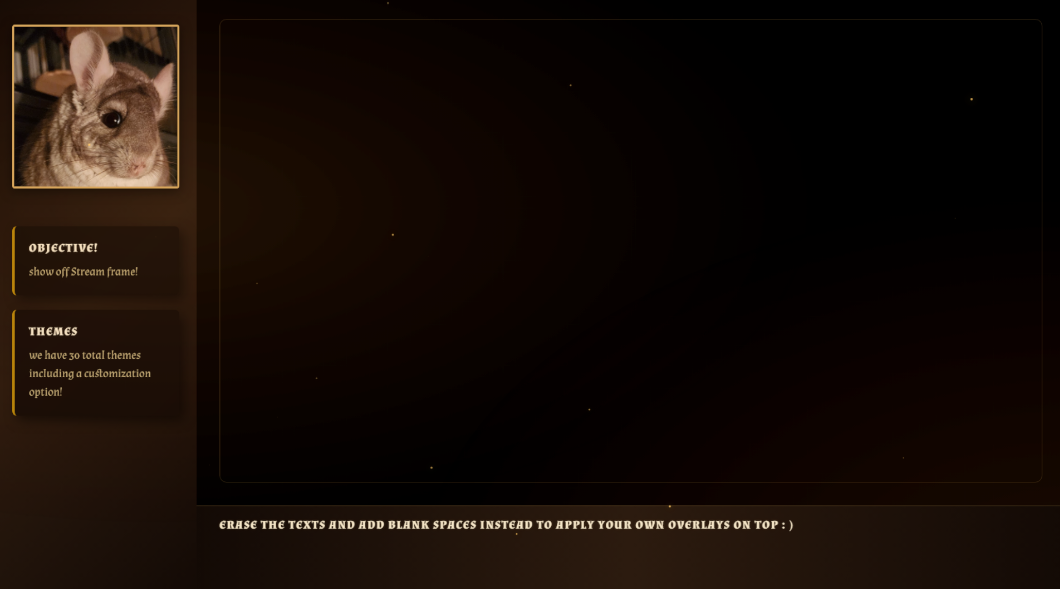
STREAM FRAME: OBS modular overlay for general streams
A downloadable tool for Windows
STREAM FRAME
-
One-time purchase. No subscription. No accounts.
[Try the free demo!]
Click here to check out all themes for Stream Frame
Local Overlay
Stream Frame runs local web layouts directly in OBS.
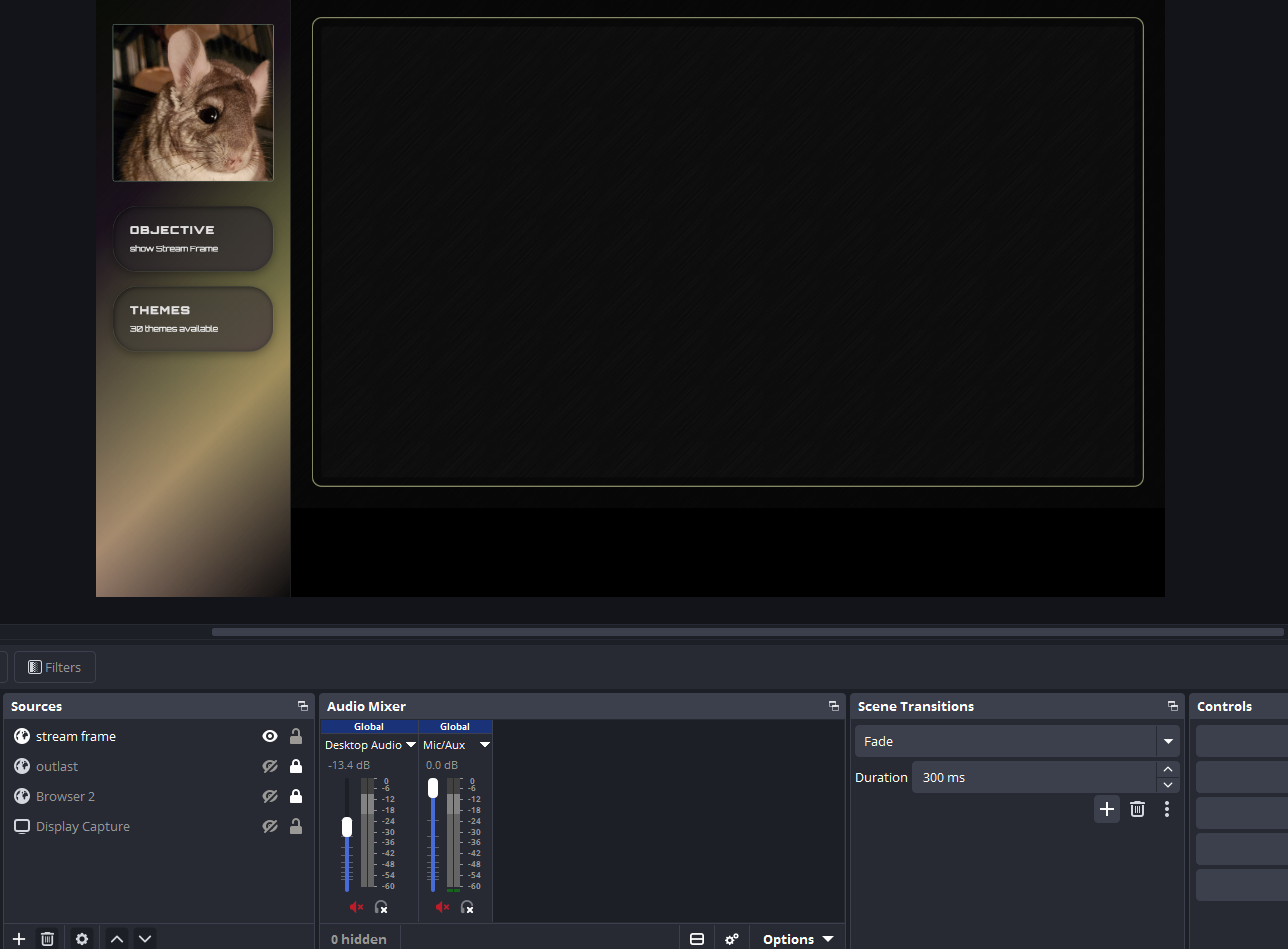
Custom UI Management
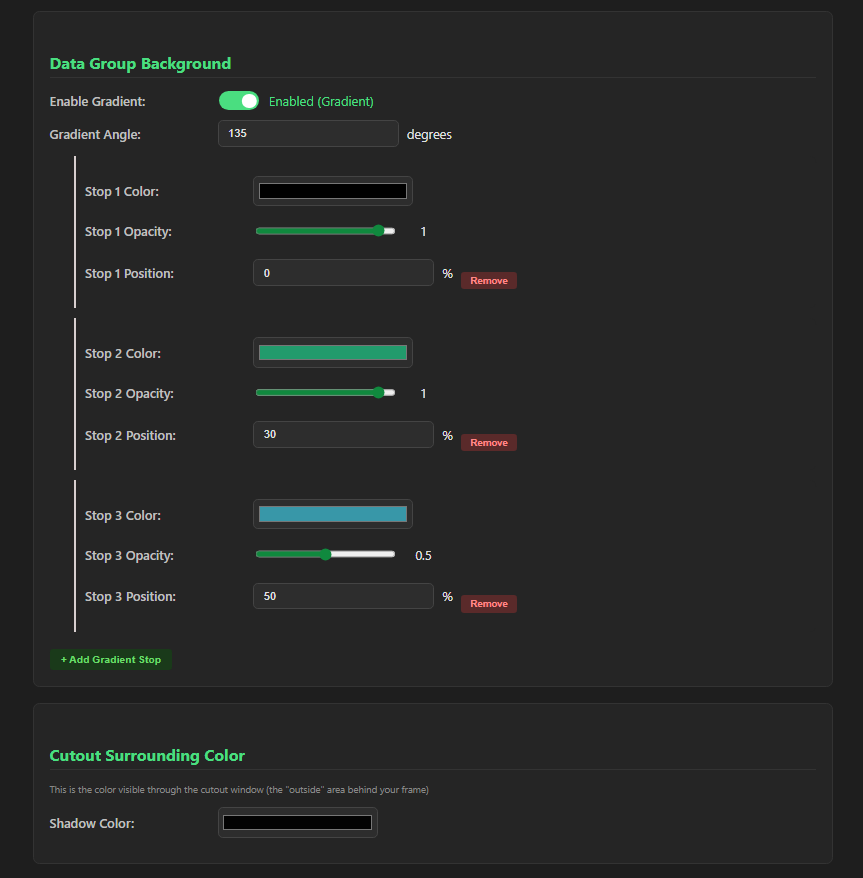
Customize your own theme! This includes colors, format sizing, and a variety of fonts to choose from. No coding needed! Includes 30 pre-built presets and 1 custom sandbox layout.
Looking for the latest features?
Stream Frame is constantly evolving! Please check out the Devlog section below to see the latest patch notes, performance upgrades, and new mechanics.
Real-Time Editing
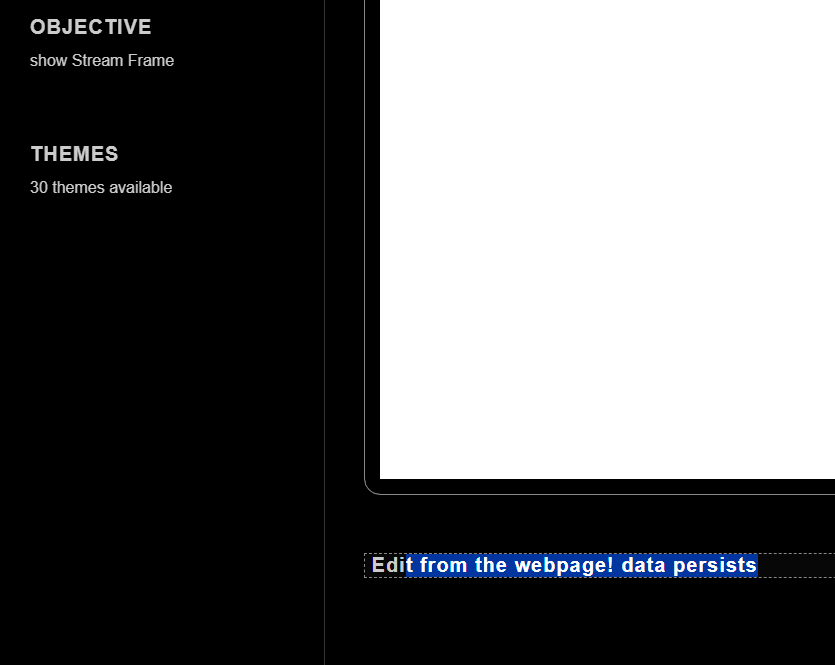
Click any text on screen. Type and make changes. Data saves and persists.
Instant Theme Swapping
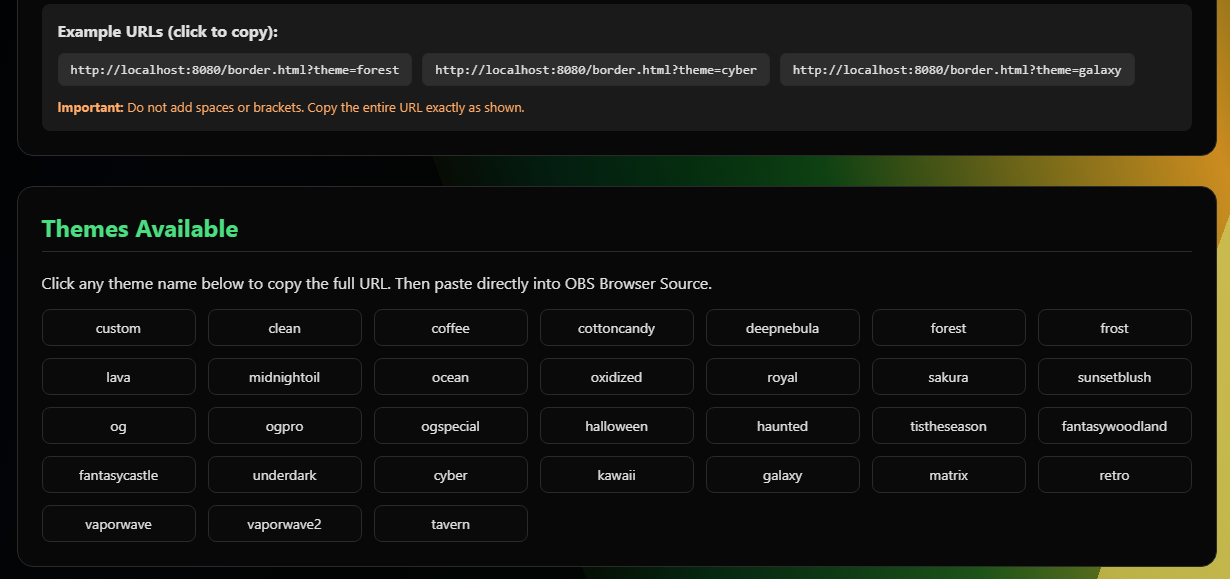
Add ?theme=galaxy to your URL. That's it! Use our quick click-and-copy manager for active URLs right on the dashboard. No need to memorize complex file pathways or directly structures.
'CTRL + ALT + t' on browser layout preview to open a quick-swap menu!
Mod Pipeline for Developers (v1.2 JavaScript Update!)
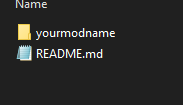
Package your custom theme folder into a .zip file and drag it directly into the Stream Frame Mod UI for instant installation
- mod.json — Required. Tells the engine what your theme is and where.
- [your-stylesheet].css — Your theme styles. Name it however you like.
- particles.js — New! Write custom animations or configure kinetic particle backdrop layouts.
OBS Setup Checklist
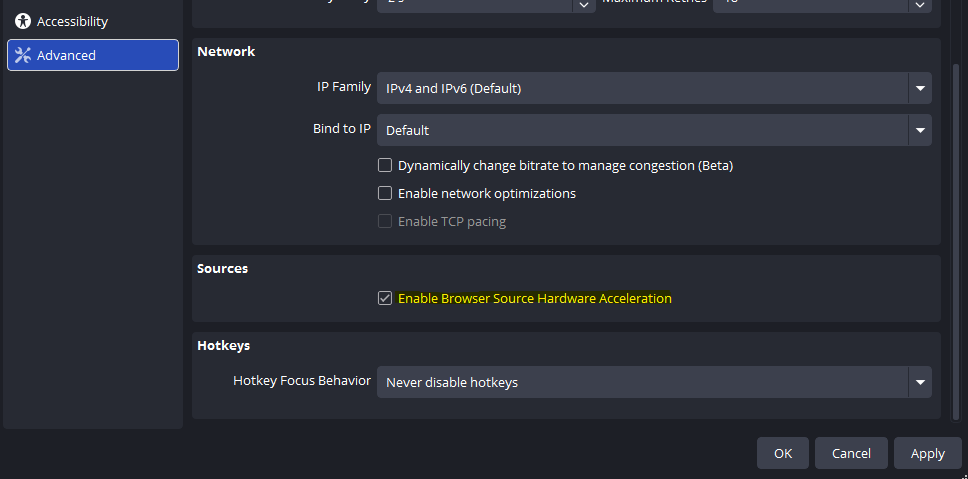
Make sure 'Browse Source Hardware Acceleration' is enabled in OBS
- Add a Browser Source to your scene.
- Set Width to
1920and Height to1080(or adjust as needed). - Paste your copied URL from the landing page. Example:
http://localhost:8080/border.html?theme=tavern - Check "Refresh browser when scene becomes active".
- Put your game capture under the overlay.
Community Modding Guidelines
We absolutely encourage creative freedom! You are completely authorized to write custom animations, build unique theme layouts, and share your mod/ folder structures with the streaming community completely for free.
Please adhere to the following ecosystem rules:
- Non-Commercial Use Only: Independent sale, licensing behind paywalls, or direct monetization of themes or scripts built explicitly for this application is strictly prohibited. Mod distributions must remain free.
- No Framework Plagiarism: The underlying Java compiled binary structures and engine framework are proprietary. You may not rebrand, repackage, clone, or distribute this software client as your own product.
- Attribution: If you bundle or share your theme presets, please include a direct functional link back to this store page: https://disla.itch.io/doma-stream-frame so users know where to download the core software engine.
----------------------------------------------------------------------------------------------------
The Disla Overlay Management Application requires no internet connection and utilizes a localhost layout framework. Once you have it, it's yours.
This took a lot of time to create alongside Party Hub, please report any bugs or mishaps!
If you are interested in a modular layout designed specifically for TTRPG campaigns, check out PartyHub!
Purchase
In order to download this tool you must purchase it at or above the minimum price of $15.99 USD. You will get access to the following files:
Download demo
Development log
- Stream Frame 1.4.037 days ago
- Stream Frame Version 1.2.142 days ago
- Stream Frame Version 1.246 days ago